Free, private, no account needed
Every picture has a prompt hiding in it.
Show us an image you love. We’ll write the words that bring it back, in the style your favourite AI generator understands.
Generate a prompt from your image
Start with a picture
Tap to pick a photoDrop your image here, or browse
JPEG, PNG or WebP up to 10 MB. You can also paste with Ctrl/⌘ + V.Pasting works too.
Edit freely. We copy exactly what you see.
Your image is processed in memory and discarded right after. We never store it.
Privacy policyYour recent prompts 0/10
Kept on this device only. We never see them.
Explore image prompt examples
Tap any image to see the full prompt, then copy it or make it your own.
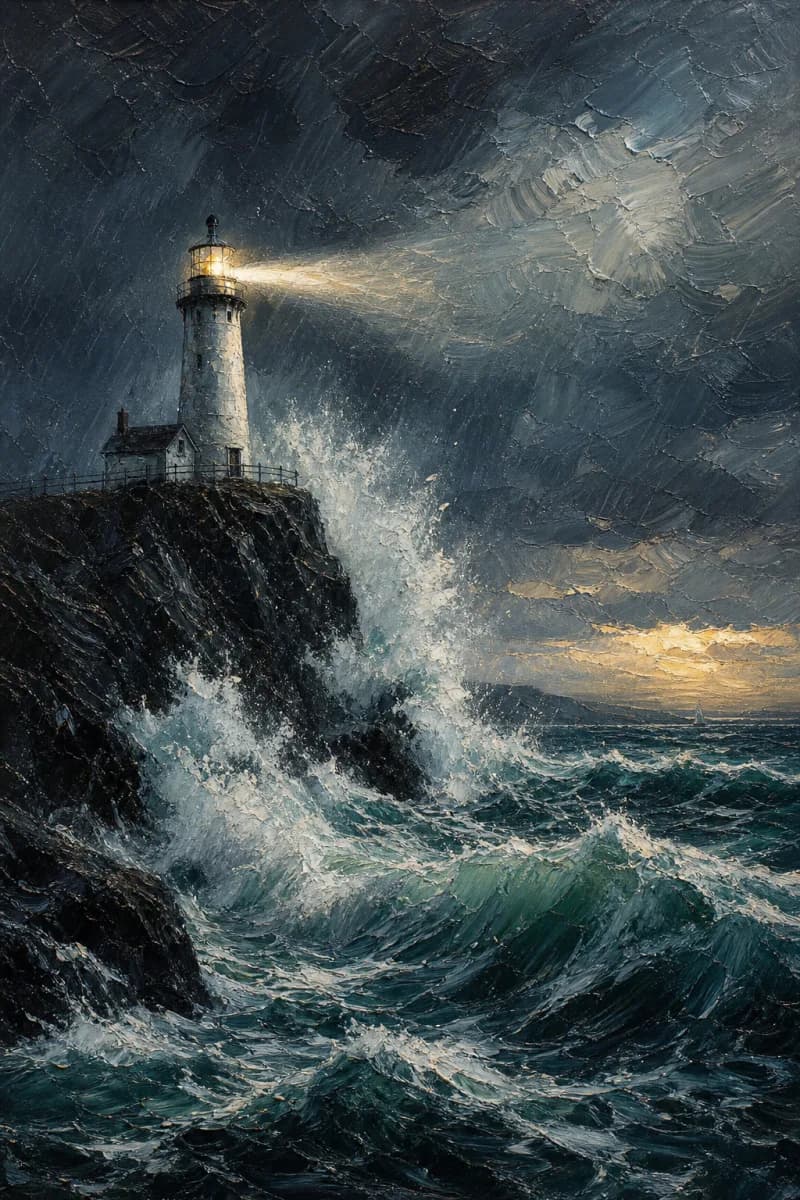 Lighthouse in a storm
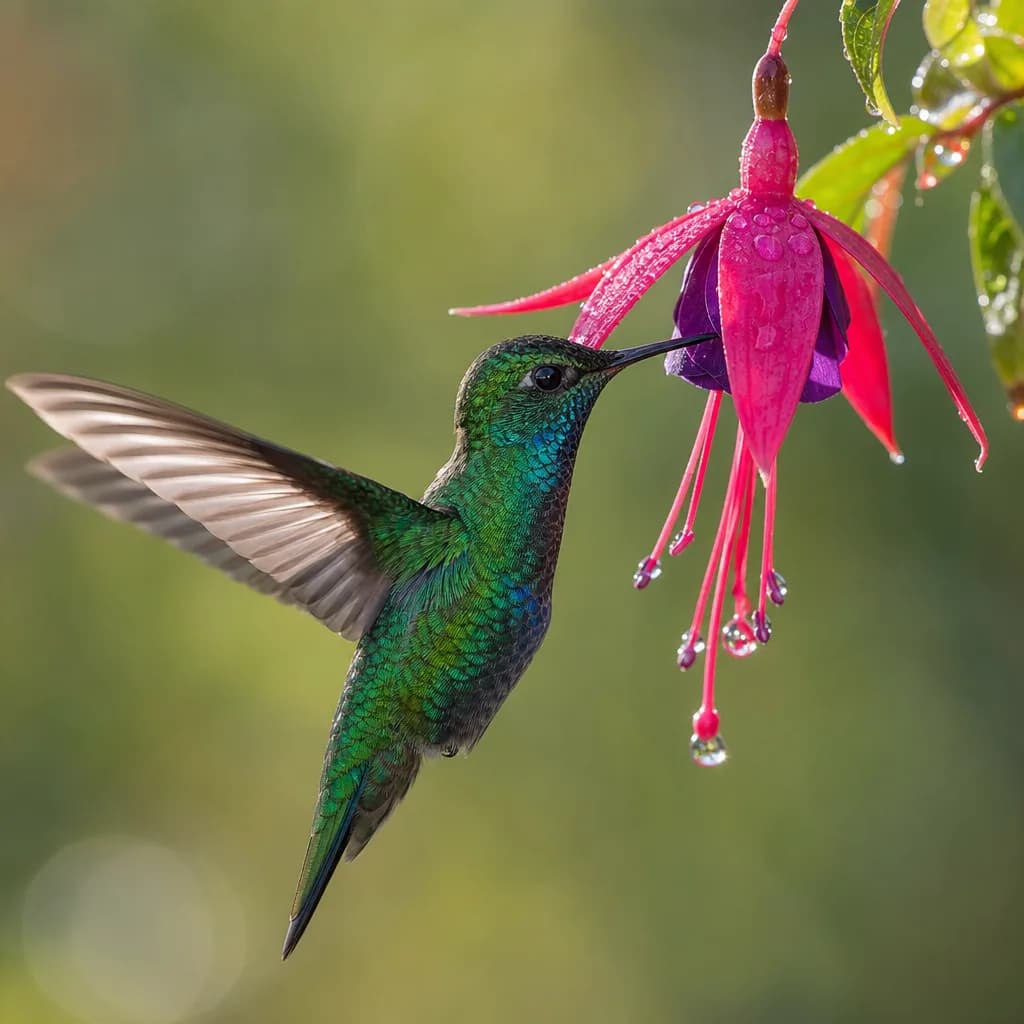 Hummingbird at a fuchsia flower
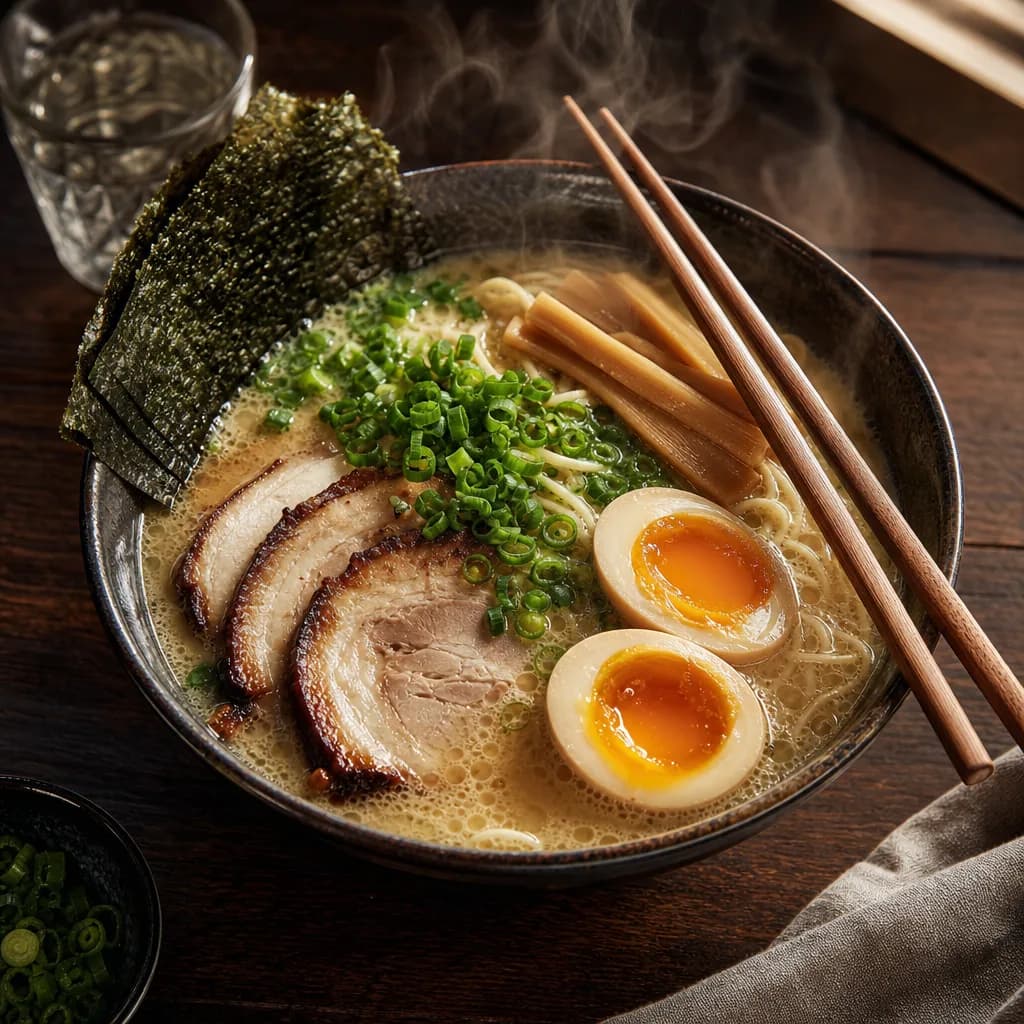 Steaming ramen still life
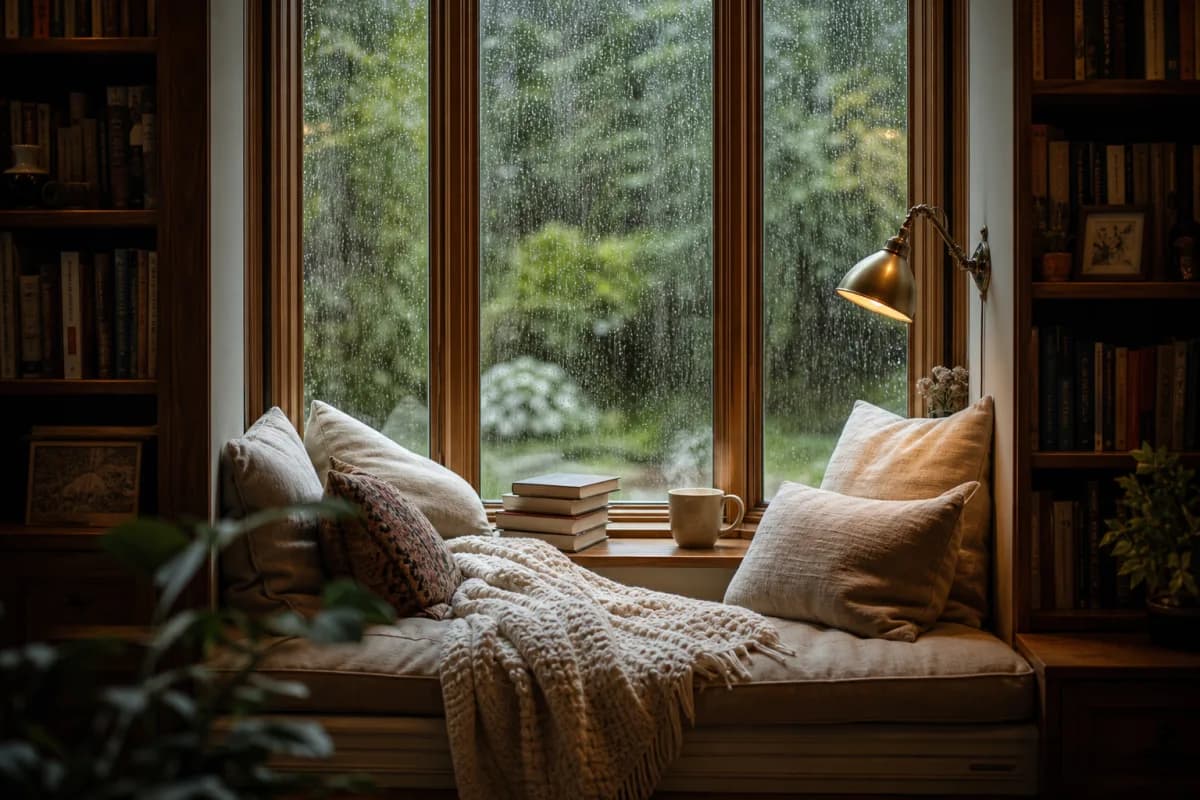 Rainy-day reading nook
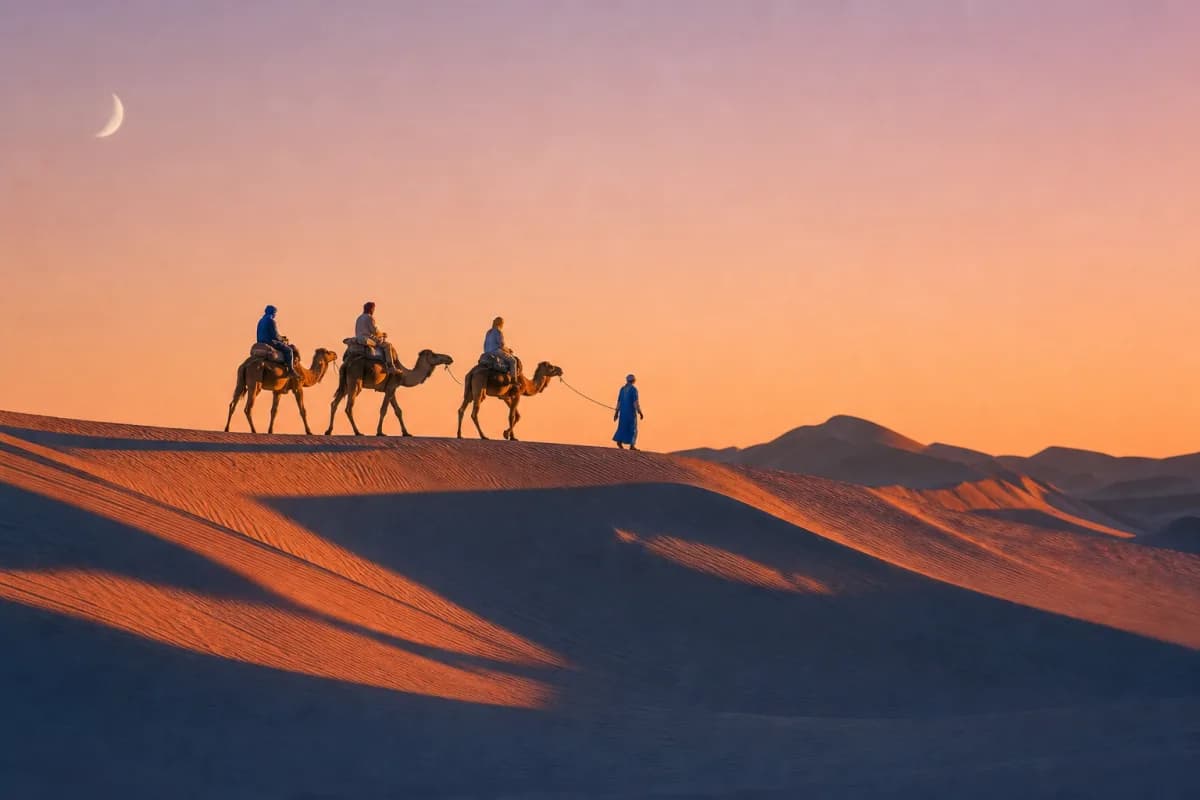 Desert caravan at golden hour
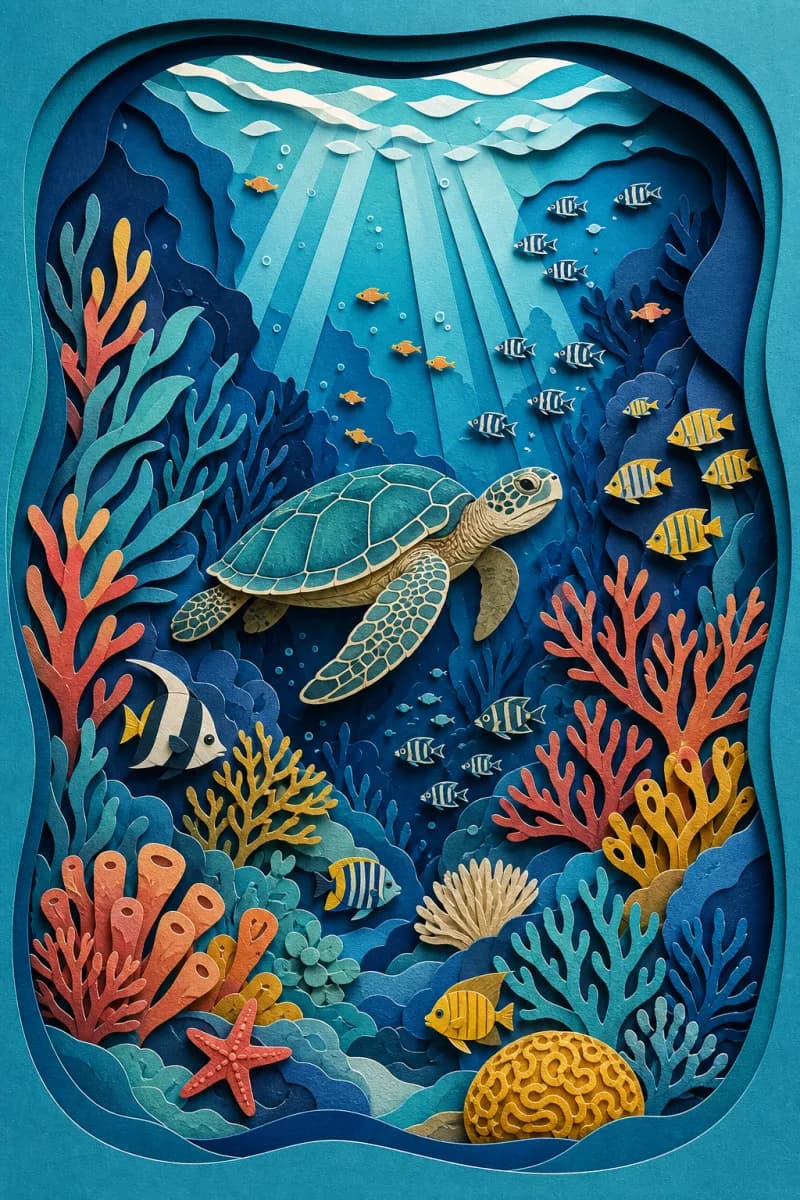 Paper-cut coral reef
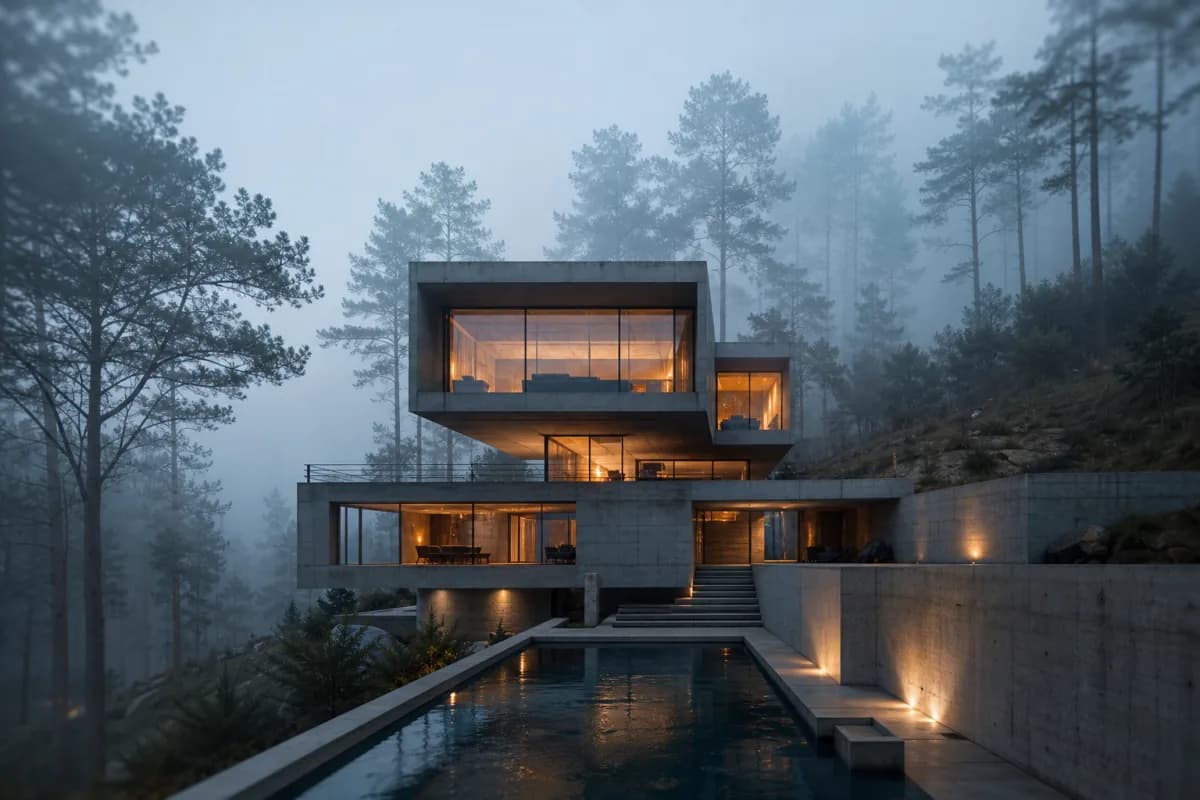 Brutalist house in the mist
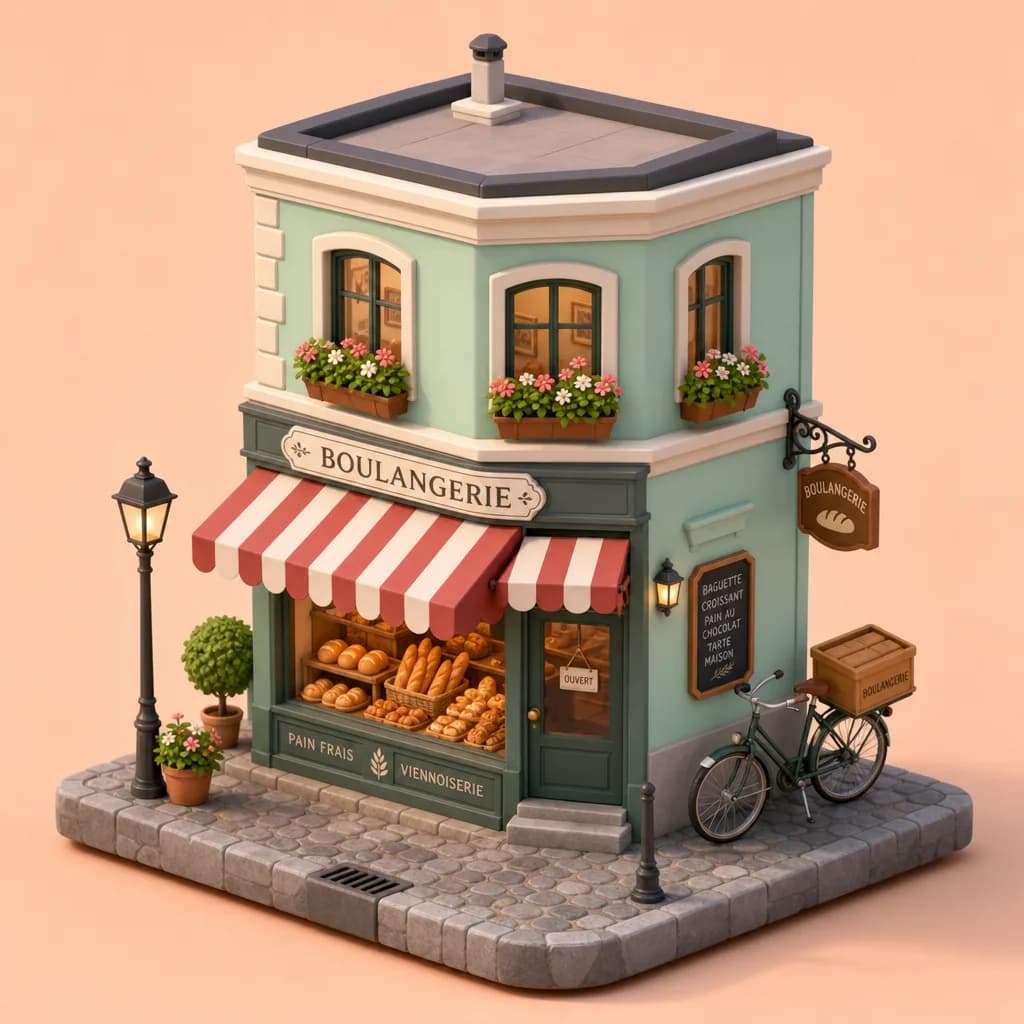 Isometric corner bakery
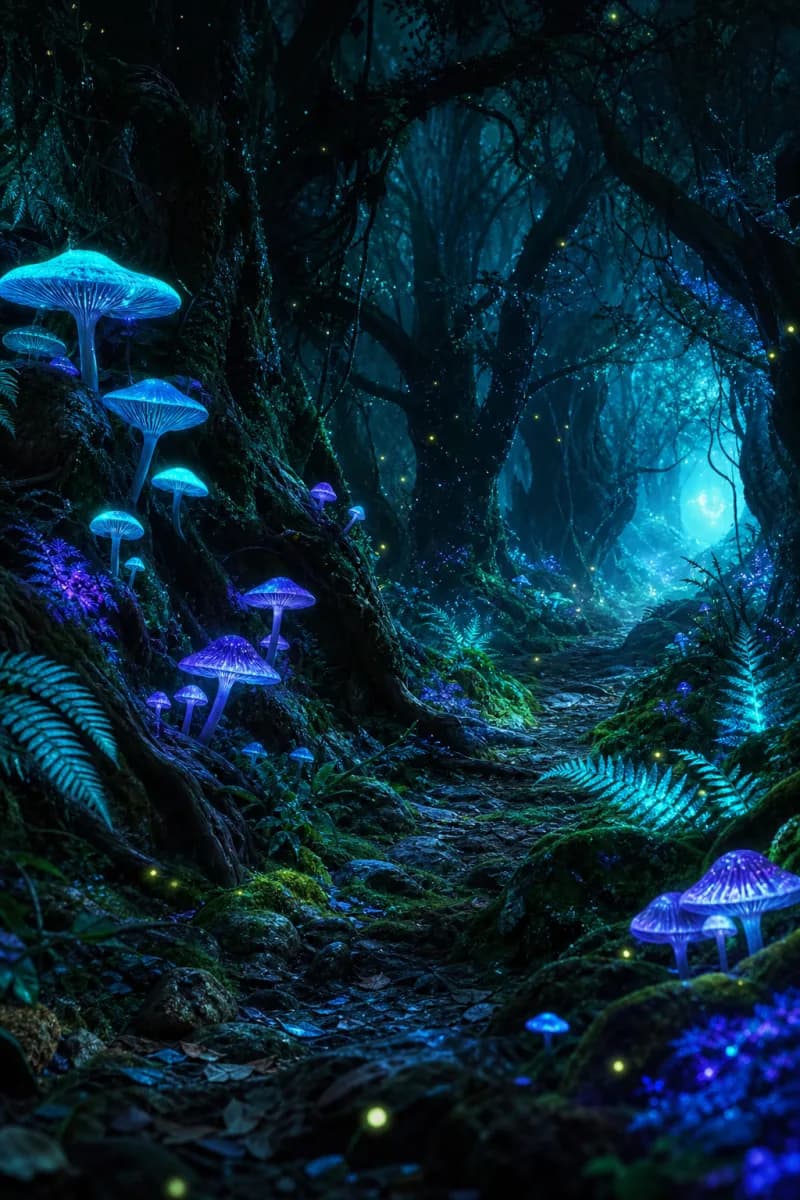 Bioluminescent forest path
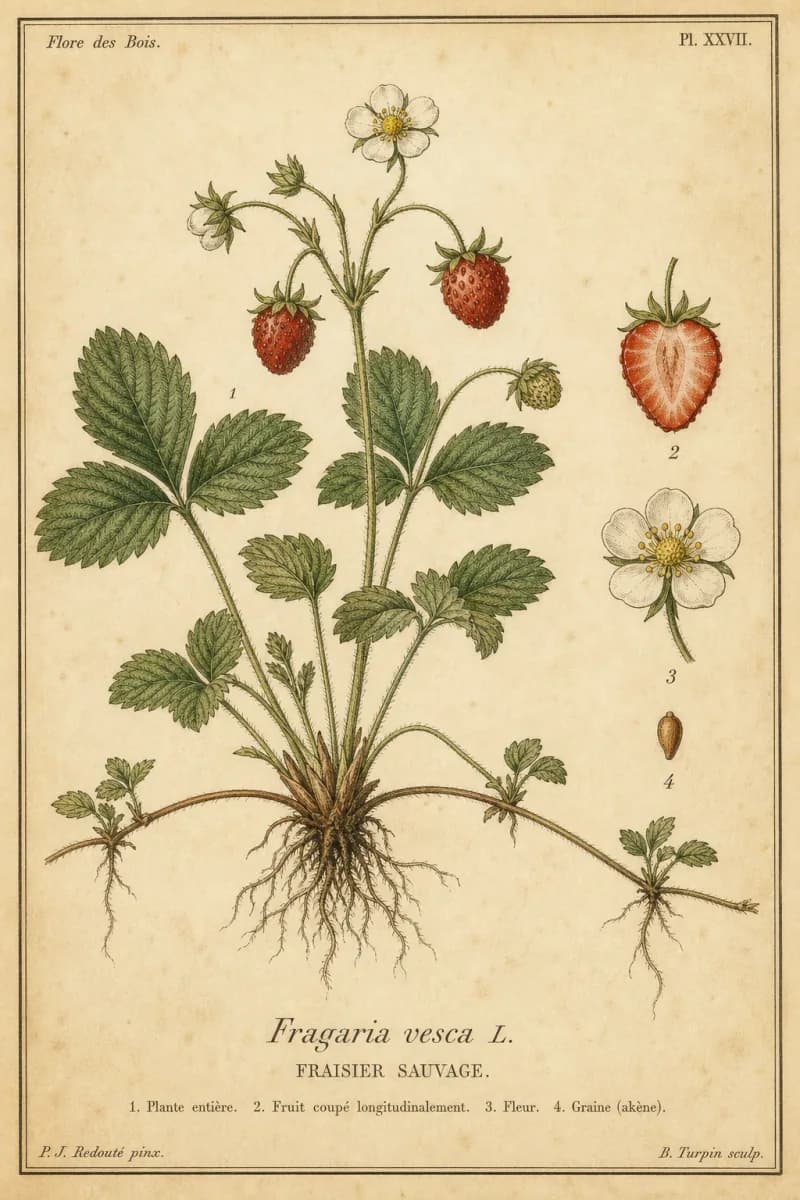 Vintage botanical plate: wild strawberry
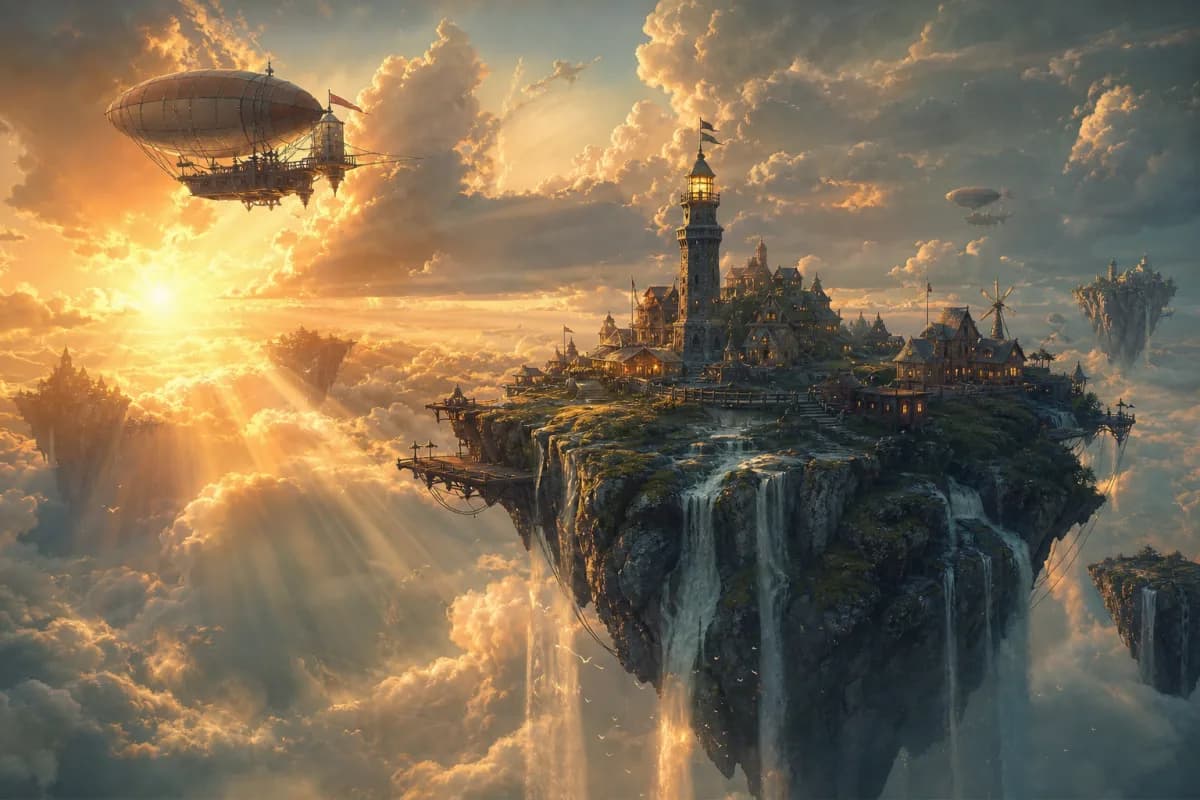 Floating island concept art
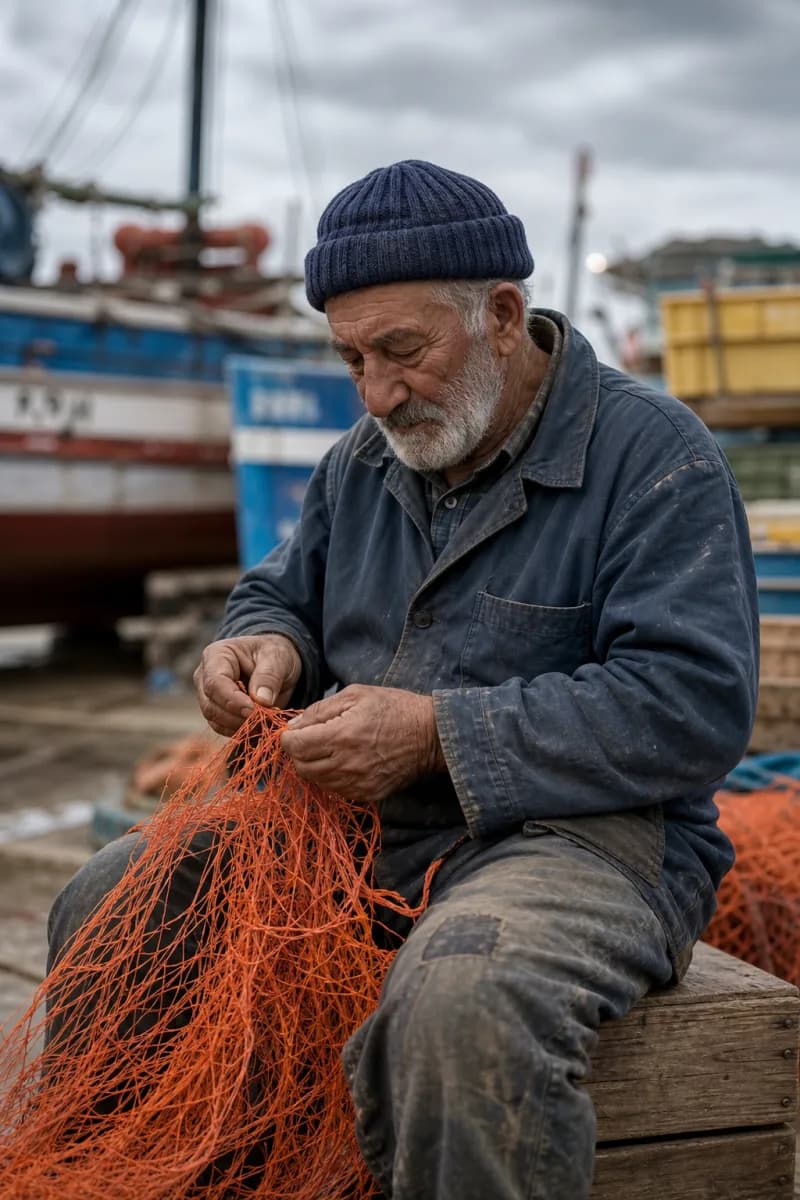 Fisherman mending his nets
Three small steps from “I love this” to “I made this”
Share a picture
Upload it, drag it in, paste it or link to it. A photo, a painting, a screenshot: anything with a look you want to keep.
Tell us where it’s headed
Pick the generator you use and the language you think in. We’ll shape the words to suit both.
Make it yours
Rewrite a phrase, swap a colour, then copy. Your ten most recent prompts wait for you in this browser.
One image, six prompt dialects
Pick the format that matches your generator. The description stays true to your image; only the way it’s written changes.
General
Plain descriptive prose
A clear paragraph covering subject, setting, lighting, camera and style. It works with almost any generator, and doubles as a caption or alt text.
Midjourney
Phrases + parameters
Tight, comma-separated phrases with the most important words first, followed by parameters such as --ar for your image’s aspect ratio and --v for the model version.
Stable Diffusion
Weighted tags + negative prompt
Comma-separated tags with extra weight on the key subject, plus a matching negative prompt, ready for SDXL, SD 3.5 and popular web interfaces.
Flux
Natural sentences
Flowing, detailed sentences. Flux follows natural language closely, including exact text you want to appear in the image.
Nano Banana
Clear instructions
Instruction-style prompts for Google’s Gemini image model, written as direct requests it can follow step by step.
DALL-E
Scene description
A vivid scene description in plain language, the way ChatGPT’s image generator likes to read it.
A prompt tool for every generator
Each page explains how that model reads prompts, with the tool already set up for it.
- Midjourney Prompt GeneratorShort, weighted phrases plus --ar and --v, ready to paste into /imagine.Open tool
- Stable Diffusion Prompt GeneratorWeighted, comma-separated tags with a matching negative prompt for SDXL and SD 3.5.Open tool
- Flux Prompt GeneratorRich natural-language descriptions that Flux models follow closely, text included.Open tool
- Nano Banana Prompt GeneratorDirect, instruction-style prompts for Google’s Gemini image models.Open tool
- Image DescriberClear descriptions of any picture for alt text, captions and cataloguing.Open tool
- Image to Prompt AppWorks in your phone’s browser: pick a photo, get a prompt, copy it.Open tool
- Text to Prompt GeneratorType a rough idea and get a detailed prompt in your generator’s style.Open tool
Quick, careful and fair
Private by design
Images are processed in memory and discarded. Nothing is stored, logged or used for training.
Speaks each model’s language
Six output formats, from Midjourney parameters to Stable Diffusion tags and negative prompts.
Prompts in 14 languages
Get your prompt in the language you think in, or keep it in English for the most reliable results.
Free, every day
Up to 20 prompts a day. No account, no credit card, no watermark on your words.
What is an image to prompt generator?
An image to prompt generator looks at a picture and writes the text prompt that could have produced it. It names the subject, the setting, the light, the lens and the style: the details an AI image model needs to create something with the same look and feel.
It’s the fastest way to learn prompt writing, to recreate a style you love, to turn a mood board into a consistent series, or to write detailed descriptions and alt text for your own photos.
AnyToPrompt formats every prompt for the generator you actually use, so you can paste it straight into Midjourney, Stable Diffusion, Flux, Nano Banana or DALL-E without rewriting it.
Prompt writing guides
Practical advice for better AI images.
Art style prompts: 20 styles and the words that describe them
Art style prompts that work without artist names: 20 styles from ukiyo-e to Bauhaus, described by medium, technique, era, texture and palette, with examples.
Camera and lens terms for AI prompts: focal length, aperture, shots and film looks
Camera and lens terms that work in AI prompts: focal lengths, aperture and depth of field, shot types, camera angles and film looks, with examples.
How to keep the same character consistent across AI images
Consistent characters in AI images: write a character sheet, fix descriptors, use seeds and reference images, and understand Midjourney --cref and --sref.
Good questions
Is AnyToPrompt free?
Yes. You can generate up to 20 prompts a day without an account or a credit card. The counter under the generate button shows how many you have left.
What happens to the images I upload?
Your image is processed in memory, sent to our AI provider to write the prompt, and then discarded. We never save it to disk, never log it and never use it for training. Your prompt history stays in your own browser.
Why does the prompt change when I choose a different model?
Every image generator reads prompts differently. Midjourney likes short phrases and parameters, Stable Diffusion prefers weighted tags with a negative prompt, and Flux, Nano Banana and DALL-E do best with full sentences. We rewrite the same description to suit each one.
Will the prompt recreate my image exactly?
No prompt can recreate an image pixel for pixel, because image models add their own randomness. You’ll get the same subject, composition, lighting and style. For an even closer match, combine the prompt with your generator’s image-reference feature.
Which image formats and sizes can I use?
JPEG, PNG and WebP files up to 10 MB, or a direct link to one. Large images are scaled down before analysis, which doesn’t affect the quality of the prompt.
Can I get the prompt in another language?
Yes. Choose from 14 output languages. Most image models still understand English best, so if a result looks off, try the English version and compare.
Where is my prompt history saved?
Your last 10 prompts are stored in your browser’s local storage, on your device only. Use “Clear” to delete them, or clear this site’s data in your browser settings.
Can I use the generated prompts commercially?
Yes, the prompts are yours to use. Whether the images you then create can be used commercially depends on your image generator’s licence and on your rights to the original reference image.